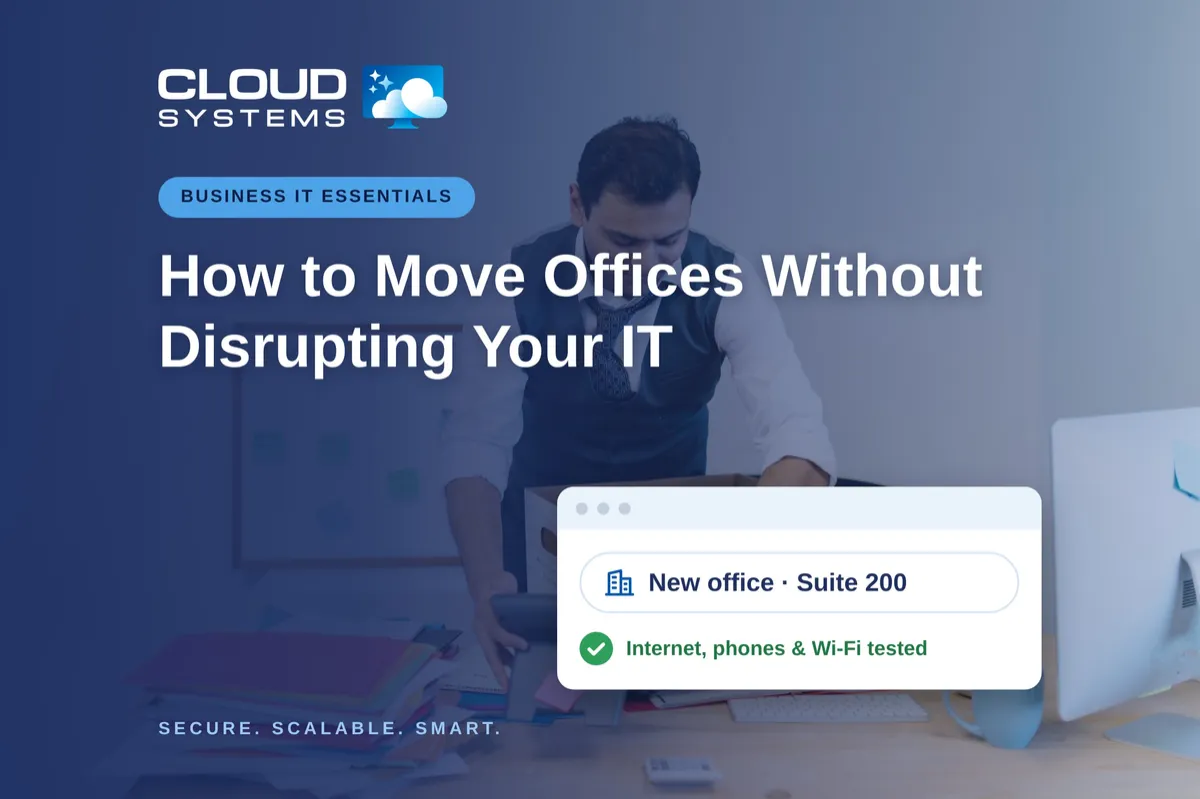
How to Move Offices Without Disrupting Your IT

Moving offices? Internet, cabling, phones, Wi-Fi, and cloud access all need to be ready at the new address. Here’s how to plan, test, and close out your IT move so your team can work from day one.

Moving offices? Internet, cabling, phones, Wi-Fi, and cloud access all need to be ready at the new address. Here’s how to plan, test, and close out your IT move so your team can work from day one.

Allow personal devices only for approved work, through approved apps, and when the device meets your security requirements. Use company-owned devices for administration, sensitive work, or jobs that require large amounts of data to be stored locally.

The right time to replace a business computer depends on security support, reliability, performance, warranty coverage, repair costs, and the employee’s work. Here's how to assess your business computers and steps to take when the time comes.

Guest Wi-Fi should provide internet access while blocking connections to your internal business network. The router, access points, and firewall must also be configured to prevent guest devices from reaching internal systems.

Before canceling a cloud service, export your data and confirm that the files can be opened or imported. Move any connected applications and sign-ins, then check the provider’s current rules for access, billing, retention, and deletion.

Administrator access should be limited to approved IT tasks and protected with a separate account. Here's how to assess who should have admin access in your company and how to remove it when no longer required.
LinkedIn
Facebook
Youtube